Live weather, music, lyrics, photos and more, right where you see them first: on your Mac lock screen.
FreemacOS 15 or laterNo accountNotarised by Apple
A widget for everything you glance at.
Twenty widgets free, in sizes from Mini to Ultra Wide. Premium adds seven more.
-
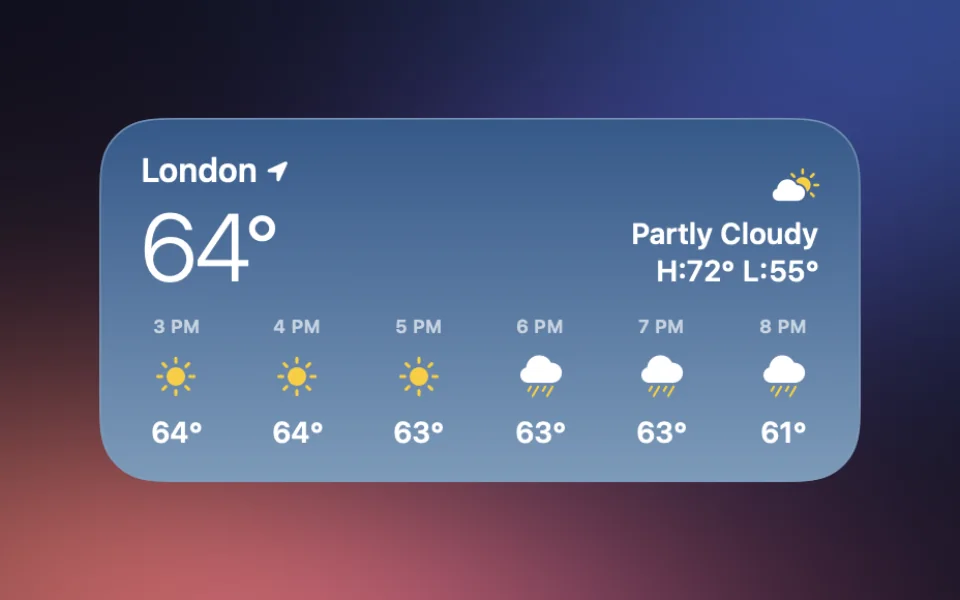
WeatherNew
A background that follows the weather, a large temperature and an hourly forecast.
-
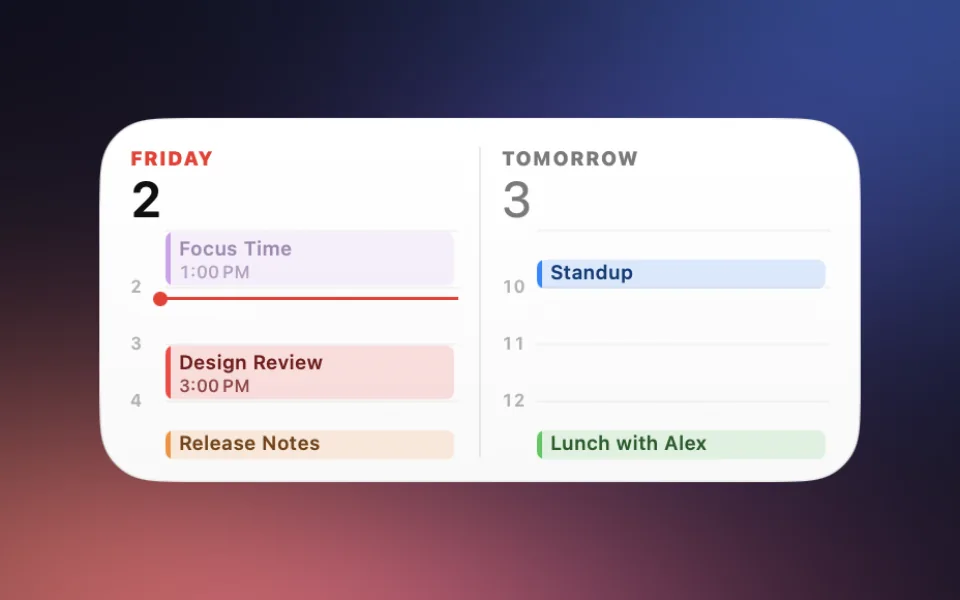
CalendarNew
A timeline of your day, with the days ahead alongside.
-
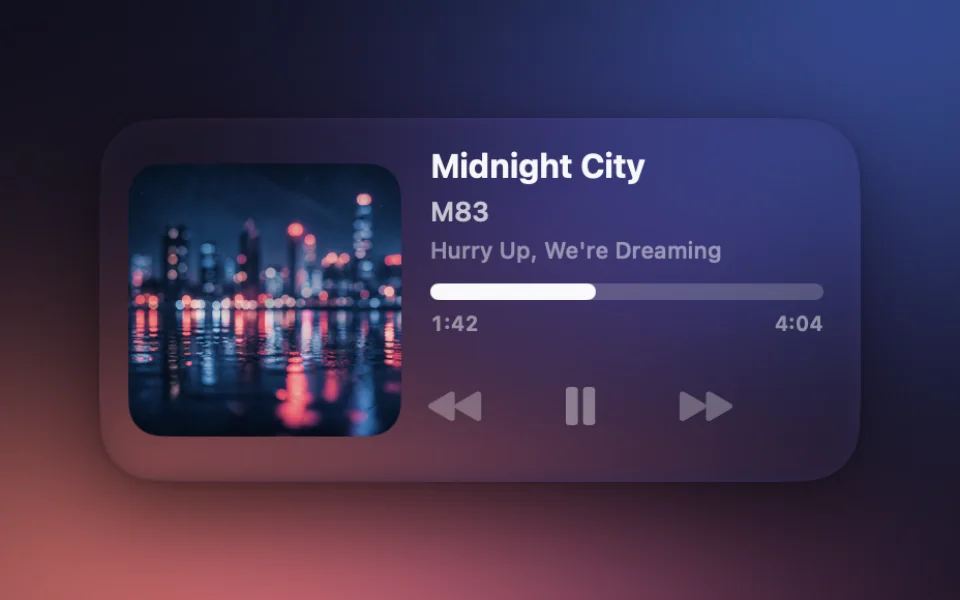
Now Playing
Prominent artwork beside the track details and controls.
-
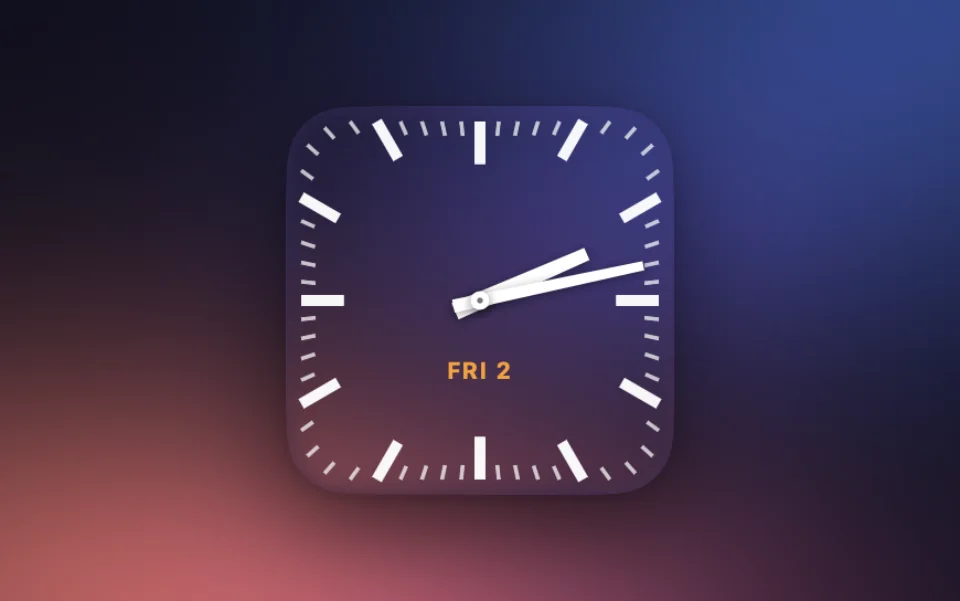
Clock PremiumNew
Bold station-clock bars with a red seconds hand.
-
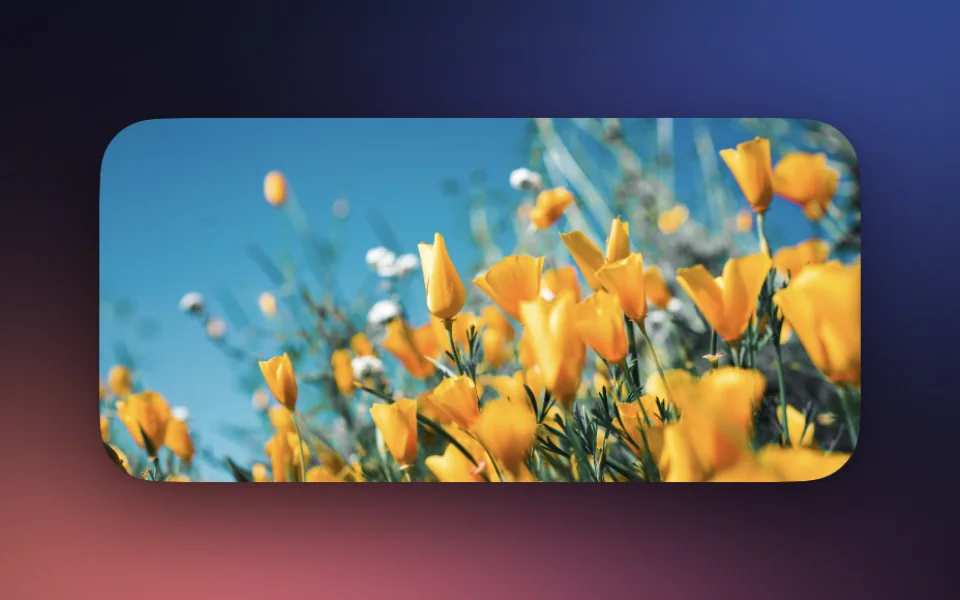
Photos
A favourite photo, a diptych or a rotating mosaic.
-
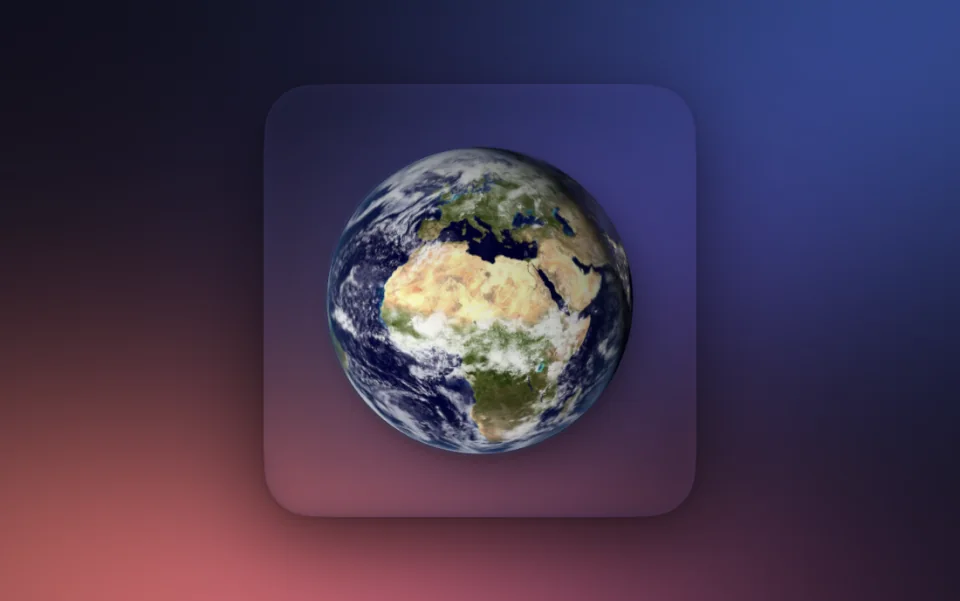
Earth
A living globe with real-time sunlight and city lights.
-
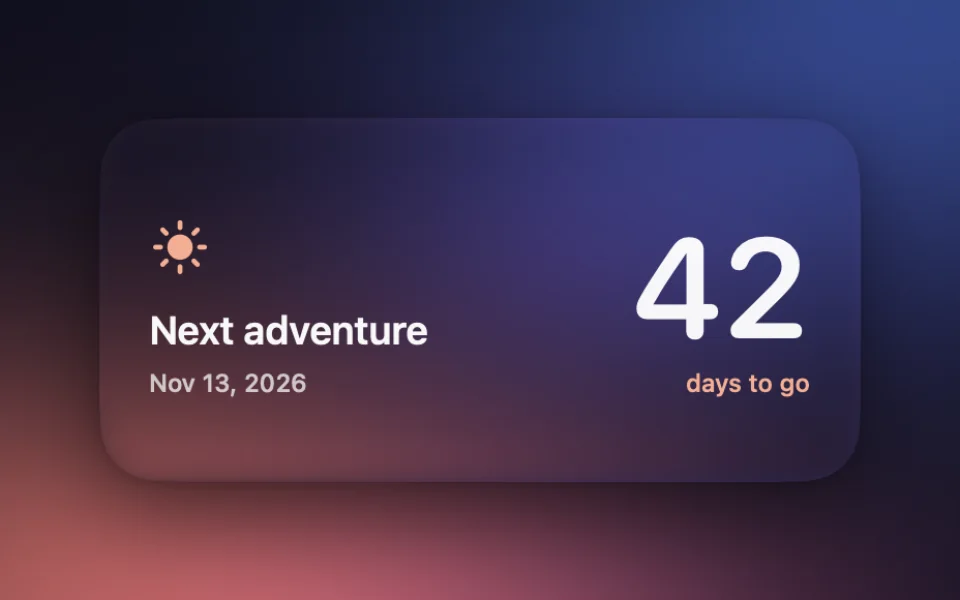
Countdown
Days remaining until a date you choose.
-
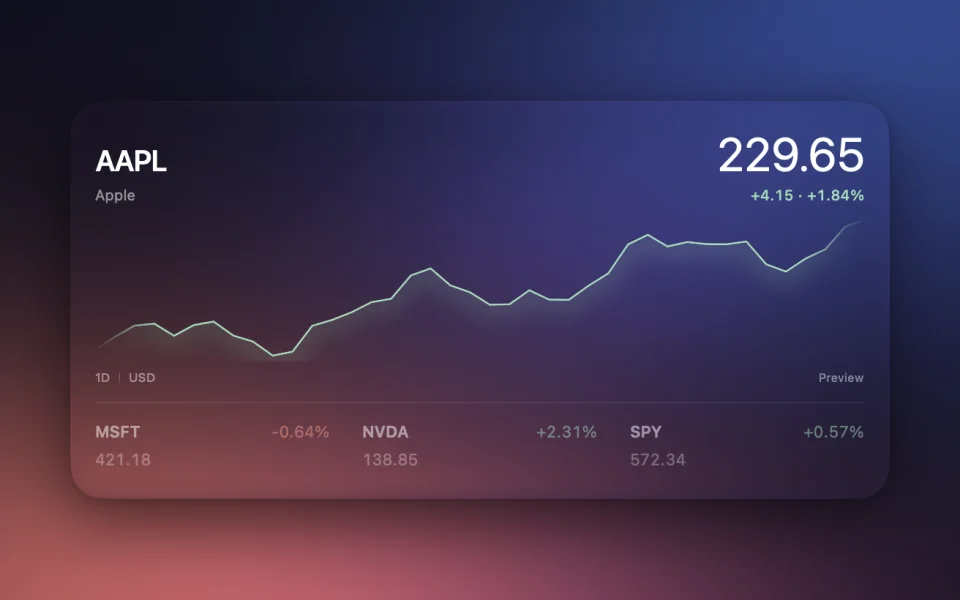
Stock Ticker Premium
Stock prices, charts and your watchlist.
-
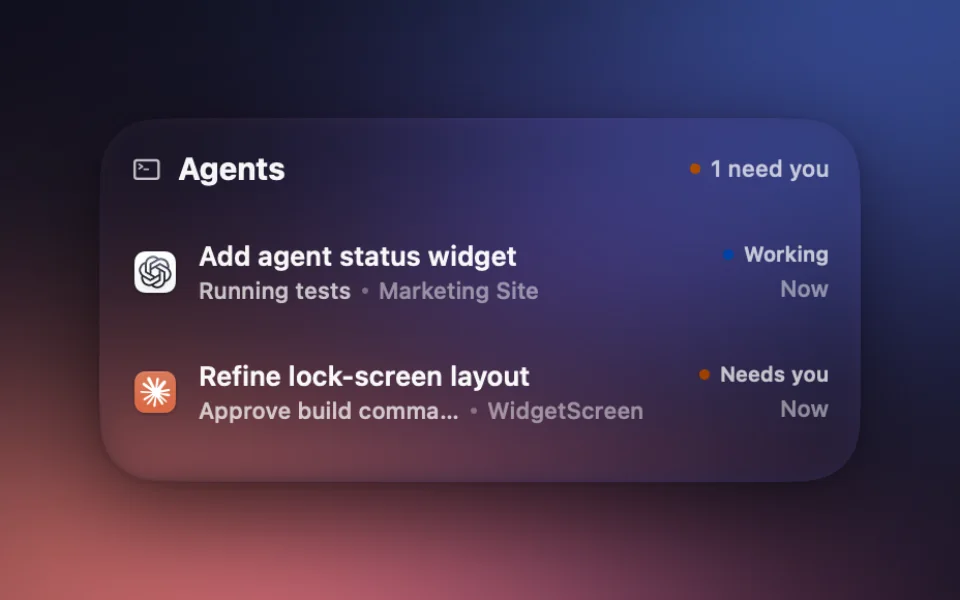
Agent Status
Follow AI coding tasks and approvals.
-
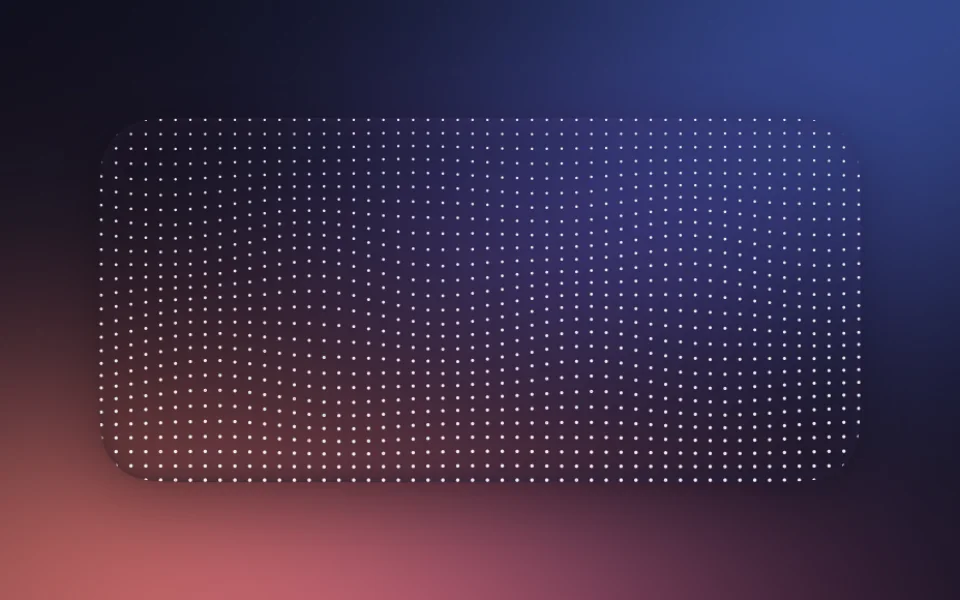
Audio Visualiser
A deep particle sea with music travelling across its surface.
-
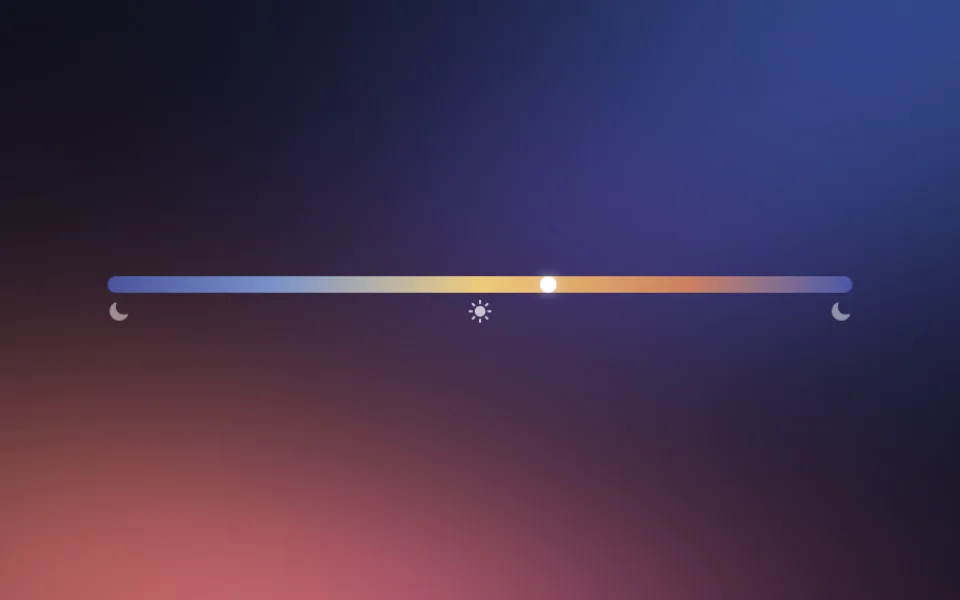
Day BarNew
The clock’s 24-hour day bar, floating directly on your wallpaper.
-
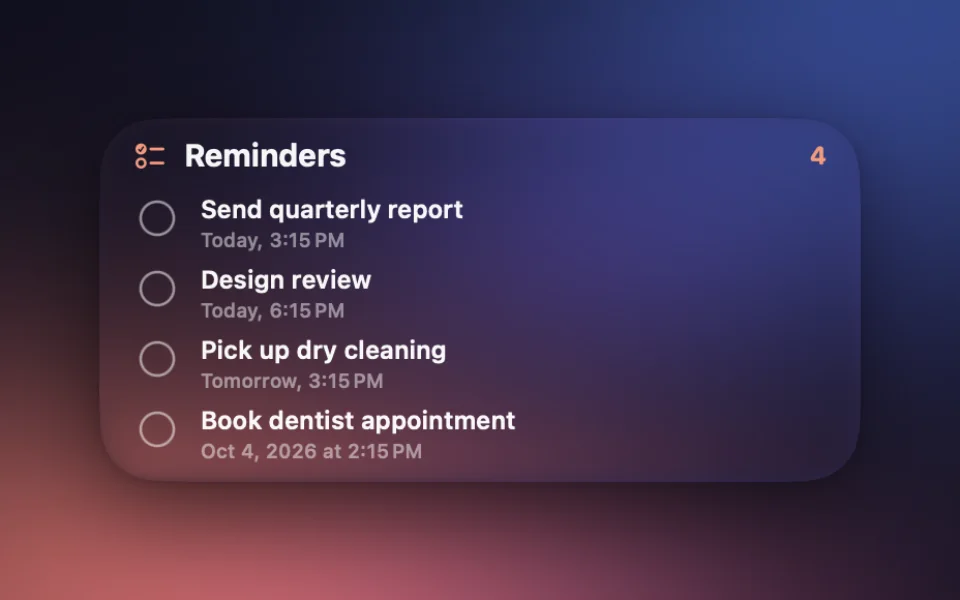
Reminders
Your next tasks and due dates at a glance.
-
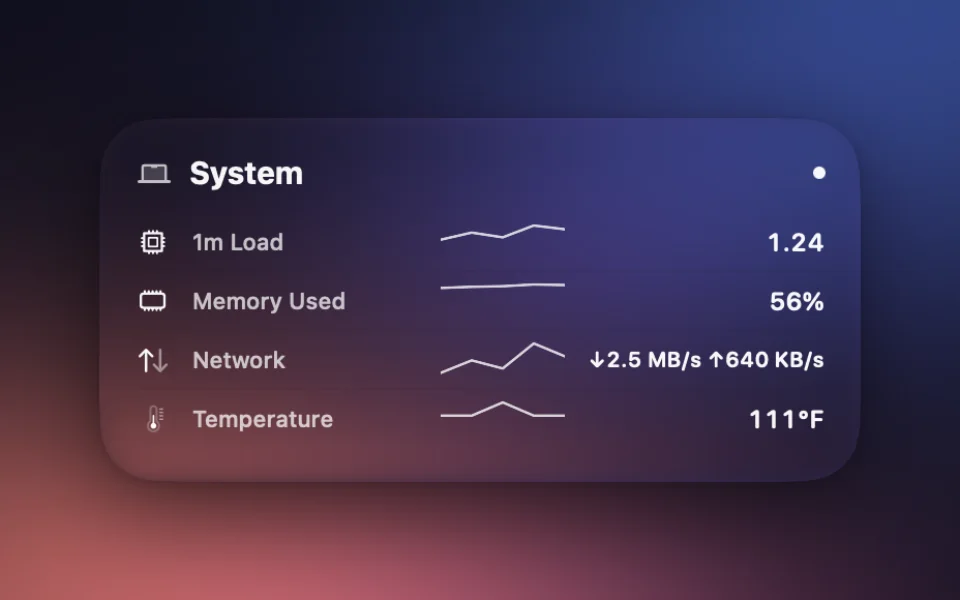
System
Live CPU, memory, disk and uptime.
-
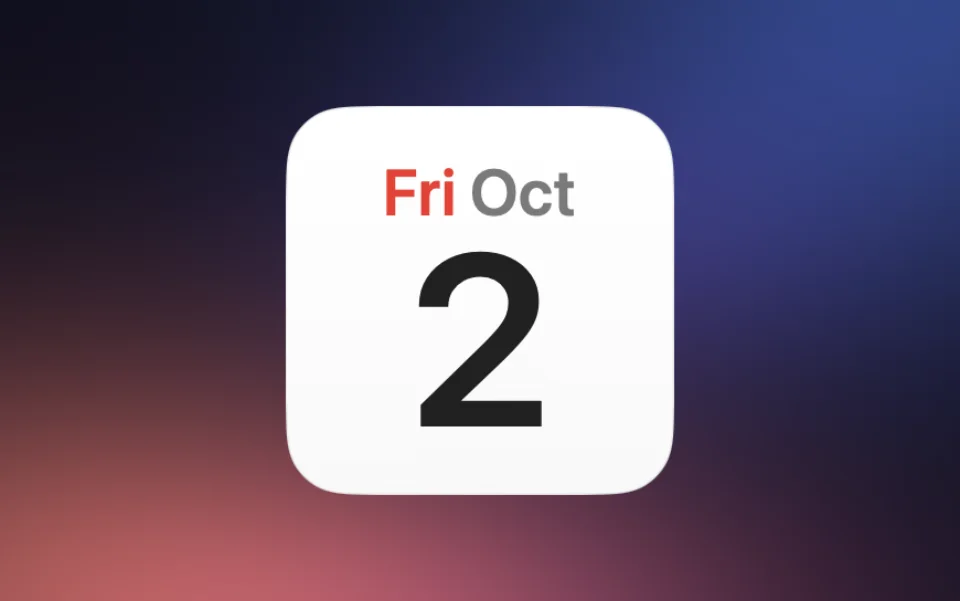
CalendarNew
Today's date, big and bold.
Arrange it your way.
Drag a widget onto a live preview of your lock screen, pick a size, tweak it. There’s nothing to save; it keeps up as you go.
Loved on r/macapps.
From the comments on the launch post.
“Looks good, crazy this isn’t built into macOS already!”
“Really clean Liquid Glass you nailed it.”
“Well damn. This is cool as hell.”
“I’m usually not a widget person, but I really like what you’ve done here.”
“Oh wow, such a great idea! The weather one is incredible.”
“Awesome app! Works and looks amazing, and it’s free!”
-
Featured in

- Signed and notarisedEvery release, by Apple.
- Private by designNo account. No wallpaper capture.
- IndependentMade and supported by Sam Cook.
WidgetScreen Premium
Seven more widgets. Finer control over every detail. Layouts that change with your day.
$9.99 once. Up to 3 Macs. No subscription.
-
Stock Ticker
Stock prices, charts and your watchlist.
-
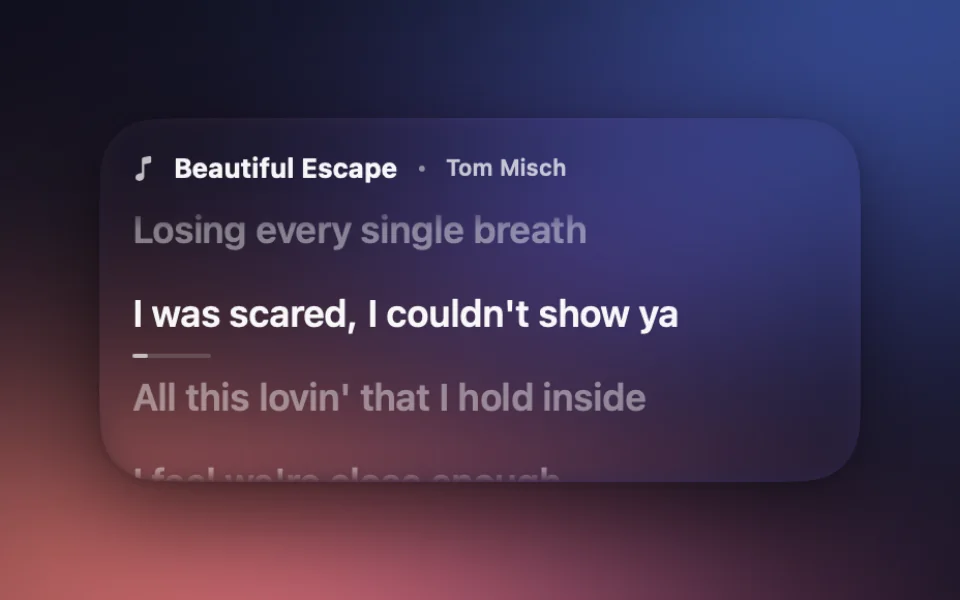
Lyrics
Time-synced lyrics that follow the current track.
-
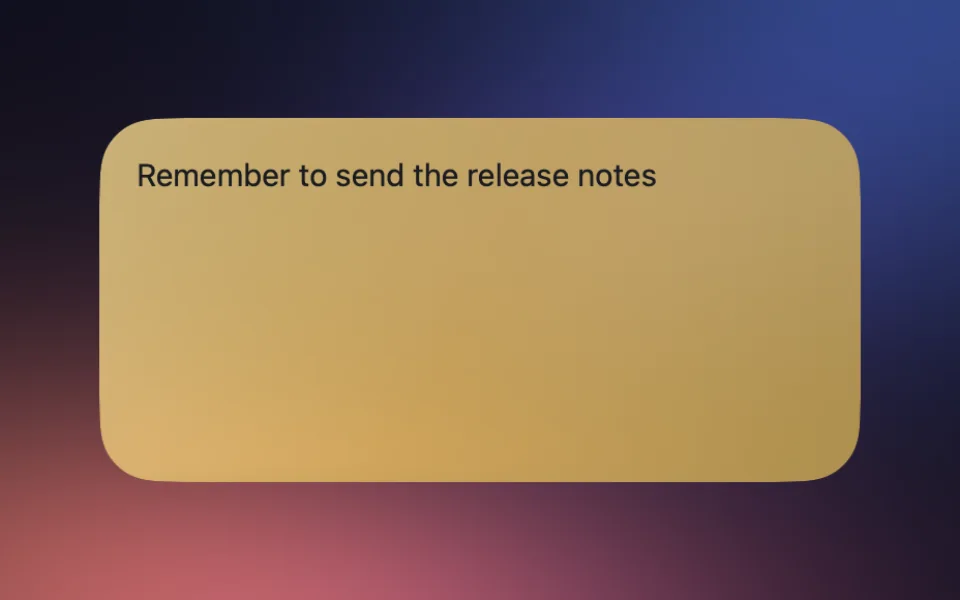
Sticky Note
A short note in the colour you choose, written in Layout Studio or with the on-screen keyboard.
-
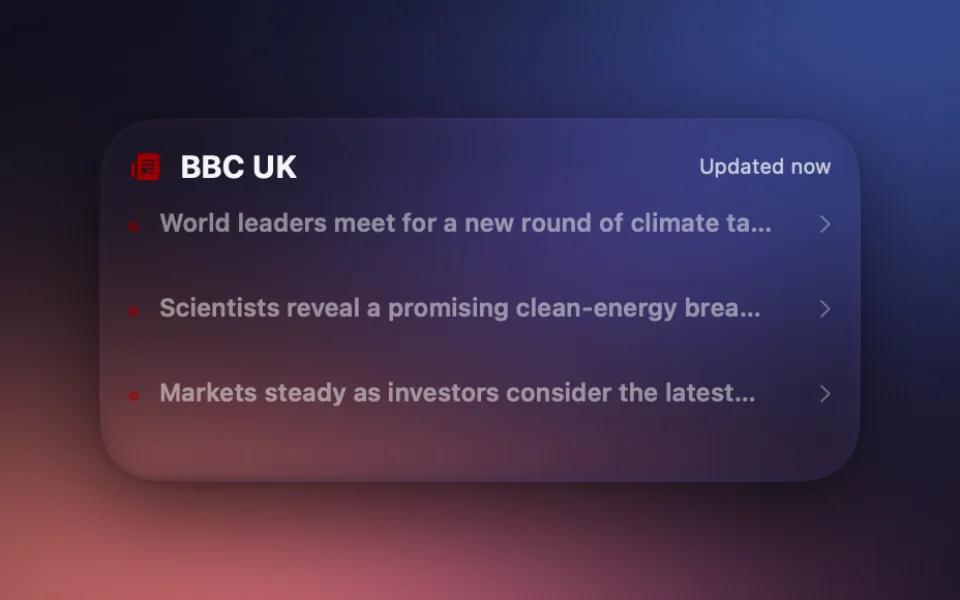
News
Headlines from the sources you choose.
-
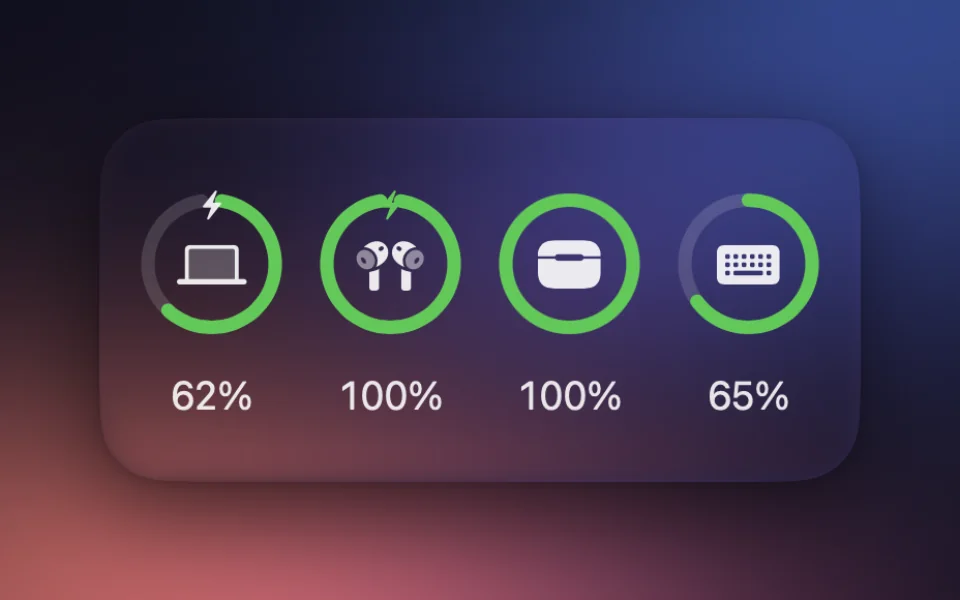
Devices
Battery for AirPods, keyboard, mouse and trackpad.
-
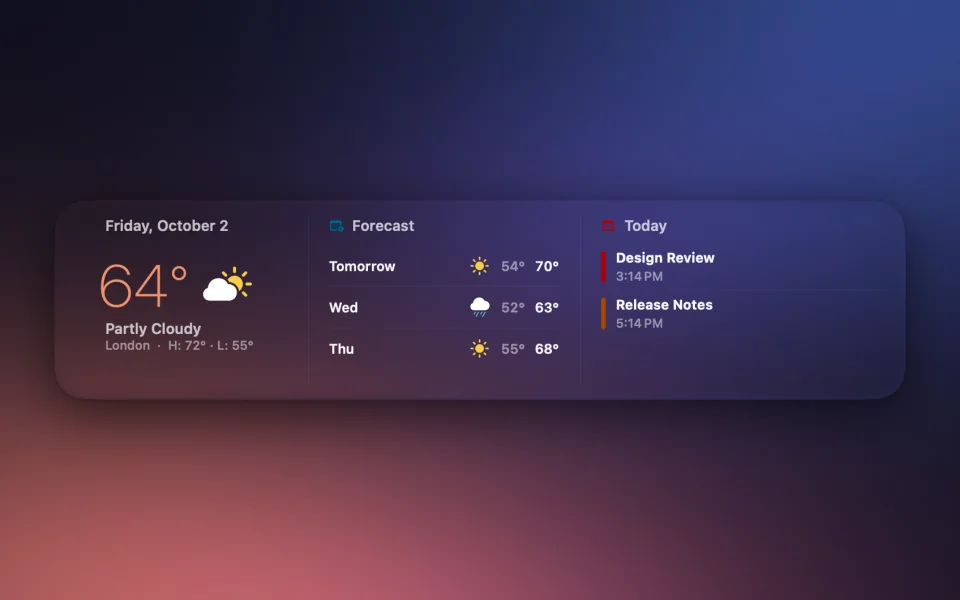
Daily Brief
Weather, forecast and upcoming events in one view.
- Seven more clock facesPlus ambient motion and animated weather.
- Tints and theme packsIncluding colours from the album artwork.
- Wider sizesWide, Large Wide and Ultra Wide.
- ProfilesLayouts that switch by time, power or Focus.
Questions
Start with the setup guide, or email Sam for help.
Is WidgetScreen free?
Yes. Core widgets, custom grid layouts and glass styles are free. Premium is an optional one-time purchase for additional widgets and controls.
How many devices does a licence cover?
One WidgetScreen Premium licence covers up to 3 devices.
Where can I find my licence key?
You can find your licence key in the Polar customer portal.
How do I add widgets to my Mac lock screen?
Download WidgetScreen, open it once and choose the weather, Photos, music, Agent Status, timers, Reminders, calendar, system or battery widgets you want. They appear automatically when your Mac locks and disappear when you sign in.
What widgets can I add to my Mac lock screen?
WidgetScreen includes Weather, Earth, Clock, Calendar, Photos, Now Playing, Audio Visualiser, Agent Status, Countdown, Pomodoro, Stopwatch, Reminders, System and Battery, plus Mini widgets that sit straight on your wallpaper. Premium adds Stock Ticker, Sticky Notes, News, Live Lyrics, Devices, Daily Brief and the AirPods Bar Mini.
Does it need Screen Recording permission?
Not for lock-screen placement or wallpaper access. Audio Visualiser optionally asks for Screen & System Audio Recording access to analyse sound in memory; audio is never saved or transmitted.
What should I check if the widgets do not appear?
Confirm WidgetScreen is running, turn on Launch at Login, and lock the Mac with Control–Command–Q. The app stays out of sight while the desktop is unlocked.
Which Macs are supported?
WidgetScreen runs on macOS 15 Sequoia and later, including macOS Tahoe, on both Apple silicon and Intel Macs.
Is it safe to install?
Yes. WidgetScreen is signed with an Apple Developer ID and notarised by Apple before every release.
